We Drove to the Middle of Nowhere to Test iPhone 15's Satellite SOS — Here's What Actually Happened
Apple's ads make Emergency SOS via Satellite look almost magical. You're lost in the wilderness, one tap away from rescue, and the feature just works. Cue the swell of orchestral music and a relieved hiker. But we've been around long enough to know that marketing and reality don't always share the same zip code — so we decided to actually test it.
Over the course of three weeks, we hauled our iPhone 15 units to some genuinely remote corners of the United States: the backcountry of Utah's Canyonlands National Park, a stretch of the Mojave Desert about 40 miles east of Needles, California, and a rural patch of the Upper Peninsula of Michigan where the nearest cell tower might as well be on the moon. What we found was impressive in some ways, frustrating in others, and almost never as clean as Apple's polished demo videos.
What the Feature Is Actually Supposed to Do
Before we get into the field notes, a quick primer. Emergency SOS via Satellite — available on iPhone 14 and 15 — lets you send a distress message through Globalstar's low-earth-orbit satellite network when you have absolutely no cellular or Wi-Fi signal. You answer a short series of questions about your emergency, your iPhone compresses that info into a tiny data packet, and it bounces it to a relay station that contacts emergency services on your behalf. Apple also offers a Find My check-in feature that uses the same satellite backbone, which is less dramatic but arguably more practical for everyday adventurers.
The service is currently free for iPhone 15 owners for two years from activation. After that, pricing hasn't been fully disclosed — which is its own conversation worth having.
The Desert: Best Case Scenario
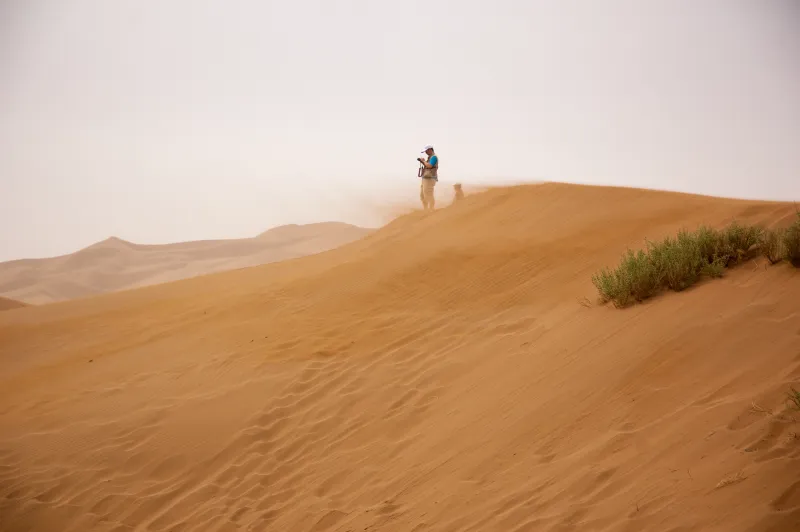
Our Mojave test was the most straightforward of the three locations. Open sky, flat terrain, no tree canopy overhead. These are basically ideal conditions for satellite connectivity, and the iPhone 15 reflected that.
We triggered a test session (using Apple's demo mode, which simulates the process without actually pinging emergency services — please don't waste first responders' time) and had a connection lock in roughly 90 seconds. The on-screen directional guide — a simple arrow telling you which way to point your phone toward the satellite — worked exactly as advertised. Once aligned, the mock message transmitted cleanly.
Worth noting: you have to hold relatively still. If you're moving around or fidgeting, the connection drops and you start over. In a genuine emergency where someone is panicking or injured, that could be a real friction point.
Canyonlands: Where Things Got Complicated
Utah's canyon country is stunning and absolutely brutal on satellite signals. Deep slot canyons essentially create a narrow window of visible sky, and that's a problem when your phone needs a clear line of sight to a satellite passing overhead.
In more open areas of the park — mesa tops, wide valley floors — the feature performed reasonably well, though connection times stretched to three or four minutes in a couple of instances. But once we dropped into a canyon with steep walls on both sides, the experience degraded significantly. In one test, we waited over seven minutes before getting a usable connection. In another, we gave up after ten.
Apple does acknowledge in its support documentation that the feature works best with a clear view of the sky, and that "heavy foliage or terrain" can interfere. But that caveat is buried. Someone who buys an iPhone 15 specifically for backcountry safety and then finds themselves in a narrow canyon may not realize the limitations until it's too late to matter.
Michigan's Upper Peninsula: The Sleeper Surprise
Honestly, we expected the UP to be our worst-performing location. Dense northern forest, overcast skies for two of the three days we were there, and the kind of deep rural quiet that makes you feel like you've traveled back in time. Cellular dead zones are common up here — we went nearly 20 miles at one point without a single bar on any carrier.
But the results were more encouraging than we anticipated. In open clearings and along logging roads with decent sky visibility, connection times averaged around two to three minutes. The tree canopy definitely added latency and caused a few dropped attempts, but we got through more often than not. If you're hiking a trail with regular breaks in the forest cover, this feature could genuinely serve you well.
The Stuff Apple Glosses Over
Here's what the commercials don't really tell you:
It's slow. Even in ideal conditions, this is not a fast process. You're not making a phone call. You're sending a compressed text message through space. Emergency responders may not receive your location for several minutes after you initiate. If you're in a fast-moving situation — a flash flood, a medical emergency — that timeline matters.
The questionnaire takes time. Apple walks you through a series of prompts to determine what kind of help you need before it transmits anything. That's smart design in theory, but if you're disoriented or injured, working through a multi-step questionnaire on a small screen is harder than it sounds.
Satellite coverage has gaps. Globalstar's network is solid but not global or uniform. Alaska, in particular, has historically had weaker Globalstar coverage. If you're planning remote travel in certain regions, it's worth checking coverage maps before you assume you're protected.
Battery drain is real. Attempting satellite connections — especially multiple failed attempts in poor conditions — chews through battery faster than normal use. In a survival situation, that's a variable you need to account for.
So Is It Worth Relying On?
Here's our honest take: Emergency SOS via Satellite is a genuinely useful feature that could absolutely save a life in the right circumstances. If you're in open terrain with good sky visibility and enough time to work through the process calmly, it performs well. As a last-resort safety net, it's better than nothing — and for most people, it's significantly better than anything they had before.
But it's not a substitute for proper backcountry preparation. A dedicated personal locator beacon (PLB) or a device like the Garmin inReach still outperforms it in reliability, speed, and coverage consistency. If you're regularly venturing into serious wilderness, those tools belong in your pack regardless of what your iPhone can do.
The feature shines brightest for the casual adventurer — someone who doesn't own specialized gear but finds themselves in an unexpected situation. For that person, having satellite SOS built into the phone they already carry is a meaningful safety upgrade.
Just don't expect it to work flawlessly in a slot canyon while you're panicking. Apple's version of the story leaves that part out.