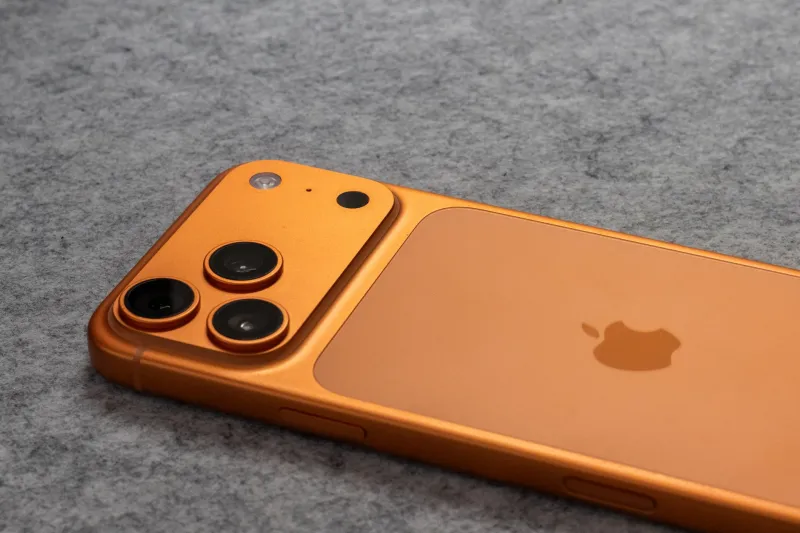
The iPhone 15 Add-Ons That Actually Fix Real Problems (Not Just Protect the Glass)
Let's be honest: most iPhone accessory roundups are just variations of the same list. Best case. Best screen protector. Maybe a MagSafe wallet if they're feeling adventurous. And sure, those things matter — but they don't exactly change how you use your phone. They just protect it from the moment you inevitably drop it in a Trader Joe's parking lot.
What we wanted to find were the accessories that actually shift your daily experience. The ones that solve the specific, annoying problems iPhone 15 users keep running into — overheating during long shoots, middling charging speeds on road trips, awkward ergonomics during extended use. We've been testing and collecting user feedback for months, and what we found surprised us.
Here are the hidden gems nobody puts on their gift guides.
A Phone Cooler That Doesn't Look Ridiculous (Mostly)
If you've pushed the iPhone 15's camera hard — extended 4K video, long ProRes clips, back-to-back takes in warm weather — you already know the throttling problem. The phone gets warm, performance pulls back, and suddenly your footage quality takes a hit right when you need it most.
Enter the clip-on semiconductor coolers from brands like Pelican and a handful of smaller players on Amazon. These aren't the chunky, gamer-aesthetic coolers you'd expect. The better ones are thin, MagSafe-compatible, and pull heat away from the back of the phone passively or with a near-silent fan. One model from a brand called Black Shark — better known for gaming phones — has quietly built a cult following among iPhone videographers and TikTok creators who shoot long sessions in warm studios.
Does it look a little weird clipped to the back of your phone? Yes. Does it meaningfully extend your shooting window before thermal throttling kicks in? Also yes. For anyone doing serious mobile video work, it's one of the most practical purchases you can make.
The MagSafe Battery Pack You Haven't Heard Of
Apple's own MagSafe Battery Pack is fine. It works. But at $99, it's a lot of money for something that charges your phone at 5W — which, in 2024, feels like charging with a garden hose. There are third-party MagSafe-compatible battery packs that charge at 15W, weigh about the same, and cost less.
Anker's MagGo line has been the go-to recommendation for a while, but a newer contender from a brand called Ugreen has been quietly impressing people who care about charge speed over brand recognition. The Ugreen MagSafe-compatible pack delivers noticeably faster top-ups during a lunch break or between meetings, and its flat profile means it doesn't turn your iPhone 15 into a brick you're embarrassed to pull out.
The catch: not all third-party MagSafe packs actually deliver 15W to the iPhone 15. Some advertise it but cap out lower in real-world use. Check the fine print, and when in doubt, look for independent reviews that actually measure wattage rather than just taking the box at its word.
A Lens Kit That Makes the Camera Feel Like a Different Phone
The iPhone 15's camera is genuinely excellent — but its wide-angle lens has limitations that a clip-on wide or macro attachment can address in ways software can't. We've been testing clip-on lens kits from Moment, which has been making premium mobile lenses for years and has a solid reputation among travel and street photographers.
The Moment 14mm anamorphic lens is the one that gets the most attention, but their 10x macro lens is the sleeper hit. It turns the iPhone 15 into a legitimately capable close-up camera — the kind of thing food photographers, jewelry sellers on Etsy, and anyone who's ever wanted to photograph a butterfly without cropping into oblivion will appreciate immediately.
Moment's lenses aren't cheap (most run $100–$150), and you'll need their case to use them properly. But if photography is why you bought the iPhone 15 in the first place, this is one of the few accessories that expands what the camera can actually do rather than just protecting what it already does.
The Charging Cable Upgrade That Sounds Boring But Isn't
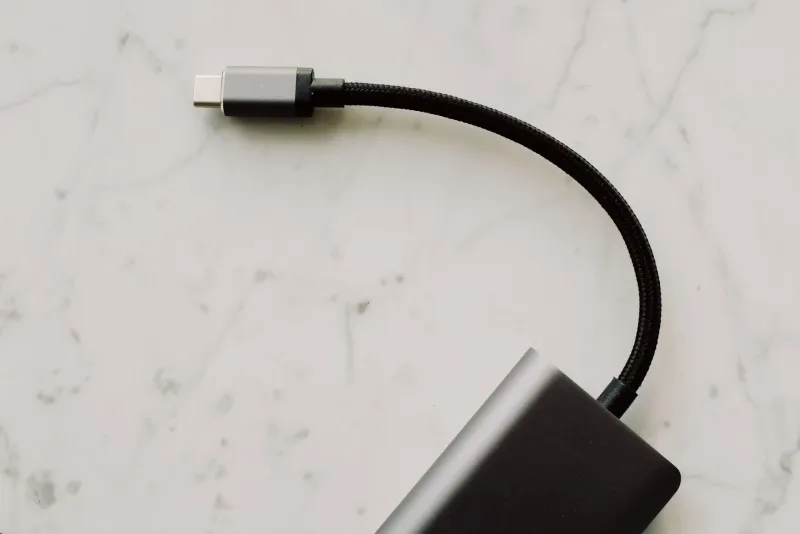
The iPhone 15 switched to USB-C, which is great. But here's the thing Apple doesn't advertise loudly: the cable that comes in the box is USB 2.0 speeds. For charging, that's fine. For transferring ProRes video files? You'll be waiting.
A USB 3.2 or Thunderbolt 4 certified USB-C cable unlocks dramatically faster data transfer speeds on the iPhone 15 Pro and Pro Max — we're talking files that took 10 minutes transferring in under 90 seconds. Even on the standard iPhone 15, a higher-quality cable can improve charging reliability and longevity.
Anchor, Belkin, and Apple's own Thunderbolt cable are all solid picks here. It's one of those upgrades that costs $20–$40 and makes you wonder why you waited.
A PopSocket Alternative That Actually Works With MagSafe
Here's a niche one: traditional PopSockets and MagSafe don't play well together. Stick a PopSocket on the back of your iPhone 15 and you've basically killed your ability to use MagSafe accessories without removing it every time.
MagSafe-compatible PopSockets exist — PopSockets themselves make a version — but there's a newer category of magnetic grip rings and loop attachments that snap on and off via MagSafe, letting you get the ergonomic benefit of a grip without permanently committing. Brands like Moment (again) and a smaller company called Torras make versions worth looking at.
It sounds like a minor quality-of-life thing, but if you've ever fumbled your phone reaching for a top shelf or tried to use it one-handed while holding a coffee, you know how much a solid grip changes daily use.
Why These Things Matter More Than Another Case
The accessory market for iPhone 15 is enormous, and most of it is noise. Cases that are marginally different from other cases. Chargers that do exactly what every other charger does. Screen protectors in packs of three.
The accessories worth your attention are the ones that address the specific ways the iPhone 15 falls short of what you actually need it to do — whether that's staying cool during a long shoot, transferring files faster, or finally giving you a grip that doesn't feel like a liability. None of these are the first things you'd think to search for. That's kind of the point.
Your iPhone 15 is already a seriously capable device. The right add-ons don't change what it is — they just get out of its way.